
In less than a second, a single plugin update can break your entire site. Is this an exaggeration? Unfortunately, it’s not.
We experienced an issue on Glitches where a recent plugin update caused an error due to a missing file or a code referencing a non-existent class. The problem was serious enough to potentially hide the site and its pages from Google. Thanks to proper procedures, our team was able to resolve the issue quickly and restore normal operations. This is a real example of why WordPress Maintenance Services are so important for small businesses.
Owning a WordPress site alone isn’t enough for a small business without a clear, regular maintenance plan. Let us tell you—your digital presence is at risk of stagnation or even disappearance without it.
In this comprehensive guide, we’ll cover everything you need to know about WordPress Maintenance Services: starting with a definition of WordPress maintenance, explaining why it’s crucial for small businesses, and finally, highlighting the best maintenance tools we recommend for small businesses.
Table of Contents
What Is WordPress Maintenance?
WordPress maintenance is all about keeping your site running smoothly and making sure it stays in great shape over time. It involves a series of regular tasks that help maintain performance, security, and reliability.
Some of the key tasks include:
- Regularly updating WordPress core, along with your plugins and themes
- Performing routine backups of your website
- Keeping an eye on performance and speed
- Running security checks and protecting your site from vulnerabilities
Why Small Businesses Need Maintenance
For most small businesses, the typical approach is to build a WordPress site once and then simply leave it. Consequently, this becomes a primary reason why sites slow down and are often perceived as insecure. A major obstacle for small businesses in maintaining their site is limited technical resources and a tight budget.
From a security perspective, smaller sites are easier targets for hackers. Not because their data is more valuable, but because they often rely on outdated plugins. According to a recent study conducted by independent cybersecurity researchers, 32% of cyberattacks exploit vulnerabilities in software that hasn’t been updated. Hackers aren’t necessarily looking for high-profile sites—they target the easiest ones to breach.
Therefore, small businesses should consider WordPress maintenance services as the most effective and essential line of defense against such threats. Ignoring updates—whether system updates, PHP compatibility, or new Google requirements like Core Web Vitals—slows down your site and hurts its search ranking. Without a regular maintenance plan, Google notices quickly, and your search visibility—and with it, traffic and potential customers—can decline.
Investing in a comprehensive WordPress maintenance package keeps your site competitive and protects your digital investment over the long term.
What Does a WordPress Maintenance Plan Include?
System, Plugin, and Theme Updates:
One of the most important aspects of WordPress maintenance services is keeping your WordPress system, themes, and plugins up to date. WordPress updates typically fix previous bugs and introduce new features that benefit your site. It’s recommended to test updates first in a staging environment before applying them to the live site.
Backups:
Imagine waking up to find your WordPress site permanently lost due to unexpected events such as server failures, hacking attacks, human errors, or natural disasters. Regularly backing up your site’s files and databases ensures you can restore your site and avoid permanent loss in case of a disaster. Backups should be stored externally, such as on the cloud or a separate server.
Security Monitoring and Malware Scanning:
Regularly scanning your site for malware is a core part of WordPress maintenance services. It helps protect both company and user data from potential threats.
Performance Optimization:
Visitors leave immediately when a site is slow or takes too long to load. Ensuring your site’s speed is consistently high is crucial. Techniques that improve site performance include image compression, database cleanup, caching, and more. Good performance enhances user experience and positively impacts SEO.
Examples of tools that can help improve performance include:
image compression plugins (such as Smush and ShortPixel), database optimization tools (like WP-Optimize and Advanced Database Cleaner), and caching solutions (such as WP Rocket and W3 Total Cache). You can also use Content Delivery Networks (CDNs) like Cloudflare or 10Web to significantly boost loading speed.
Check out our full review of 10Web to learn how it can improve your WordPress site’s performance.
Quick Recovery When Needed:
Having a recovery plan, often included in comprehensive WordPress Maintenance Packages as part of an “emergency strategy,” ensures that your site can be restored after an error or hack. Regularly testing the recovery process guarantees that your backups are always ready.
Top WordPress Maintenance Services for Small Businesses
Choosing the right tools for managing WordPress is not easy, especially for small businesses that often lack experience with the tools available on the market.
We’ve created a dedicated section featuring the best WordPress Maintenance Services and top wordpress maintenance company options for small businesses, where we’ll break down their features and compare their pricing, including any free plans.
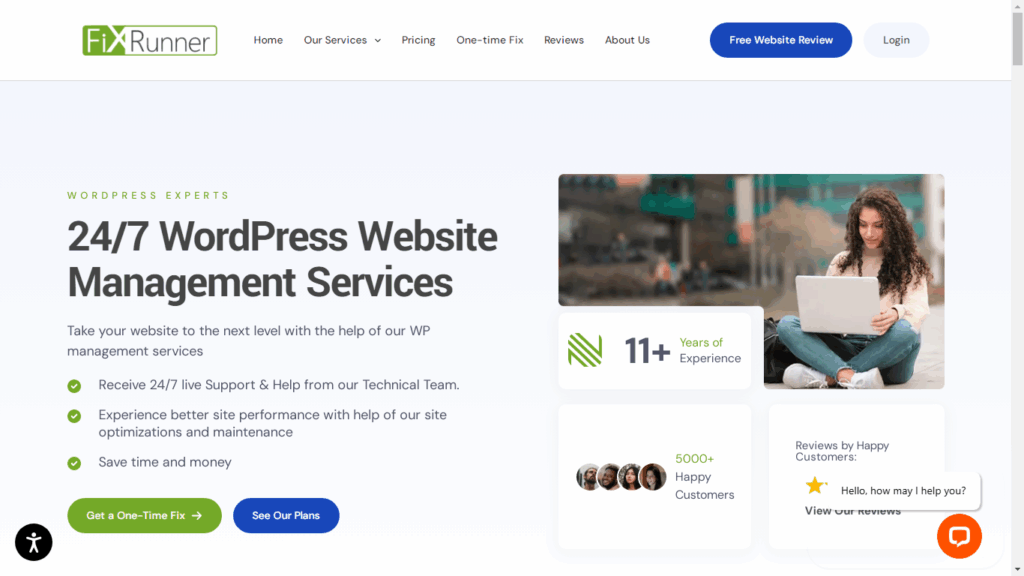
FixRunner: provides 24/7 WordPress maintenance with a strong focus on quick fixes. It’s likely a good fit for businesses that need ongoing maintenance rather than a full-scale development project.
Pros
- 24/7 support with multiple communication channels (ticket, chat, email, phone)
- Declared fast response times and clear SLA practices
Comprehensive services — cloud backups, uptime monitoring, malware scanning/removal
Cons
- The results depend on the plan you choose — not every plan provides the same level of SLA or emergency response.
- There are no “unlimited support hours” for free — plans provide a limited amount of monthly support time (e.g., 90 minutes to several hours depending on the plan)
Pricing Plans:
- Premium: $59/month – 90 minutes of support per month, WordPress updates, cloud backups, speed optimization, website security checks, email/chat support.
- Rocket: $89/month – 120 minutes of support per month, includes all Premium features, SEO optimization, additional options: WP Premium hosting, 1-Click Staging.
- Advance: $149/month – 240 minutes of support per month, includes all Rocket features, dedicated account manager, phone support.
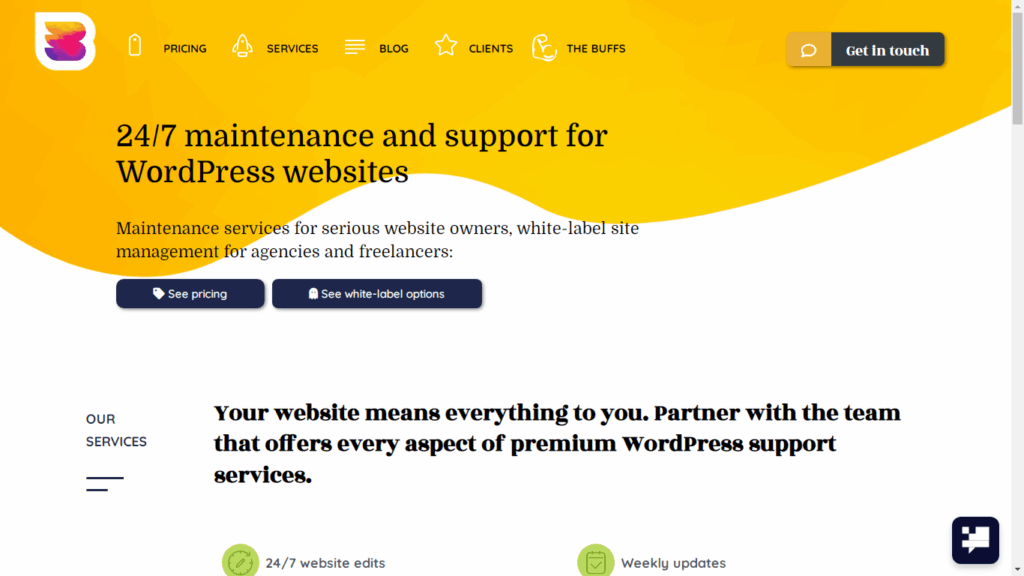
WP Buffs: is a popular wordpress maintenance company that provides high-level, comprehensive services. It’s genuinely suitable for all types of businesses—small or large—and a strong choice for anyone looking for long-term stability.
Pros
- Comprehensive 24/7 maintenance
- White-label option for agencies
- Feature-rich plans
- Strong reputation and highly responsive support
- Clear practices and transparent reporting
Cons
- Pricing is not the cheapest for higher-tier plans
- More suitable for agencies or multi-site setups
It performs updates on a weekly basis, not daily
Pricing Plans:
- Maintain: $79/month – Weekly updates, 24/7 support, Google Analytics integration, cloud backups (4 times daily).
- Protect: $159/month – Includes all Maintain services, unlimited website edits 24/7, enhanced security.
- Perform: $219/month – Includes all Protect services, speed optimization, e-commerce component management, mobile optimization, image optimization, complete malware removal.
There’s also a Custom Pro plan, designed for large enterprises or companies that need something extraordinary.
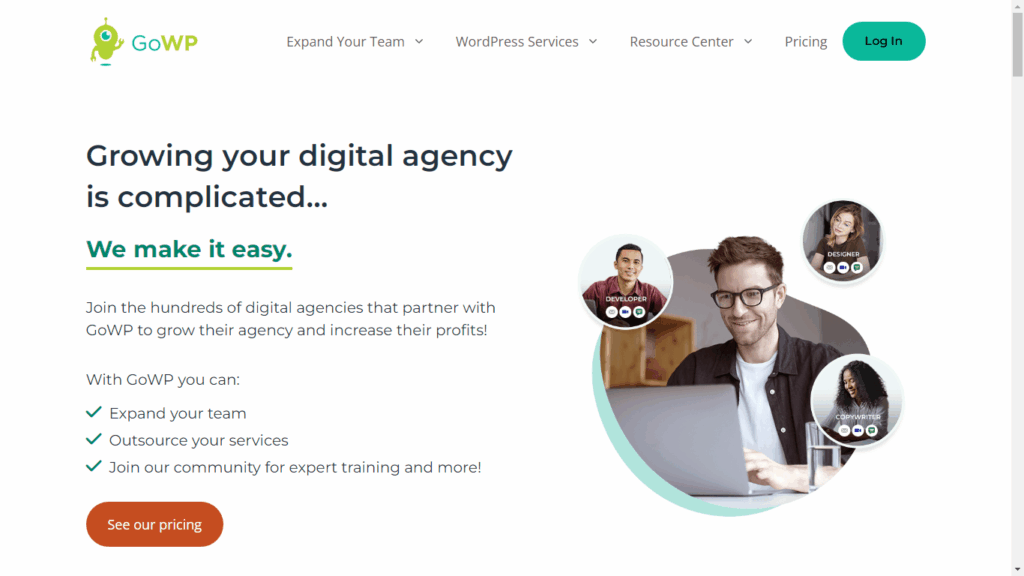
Go WP: is a specialized WordPress maintenance company focused on security and reliable service. It’s particularly suitable for small businesses with moderately trafficked websites and offers affordable pricing.
Pros
- Visual update validation
- 24/7 continuous support
- Relatively low entry-level pricing
- Off-site backups
- Advanced security monitoring
Cons
- Pricing for advanced plans is not always clearly defined
- Large or complex tasks require additional fees, especially those exceeding 30 minutes
Maintenance: $39/month – Visual Validator for WordPress, 90 days of off-site backups, daily security scans and malware cleanup, maintenance dashboard.- Content Edits: $99/month – Unlimited content edits, white-label help center, support ticket dashboard, a 24/7 team of WordPress experts, plus all features included in the Maintenance plan.
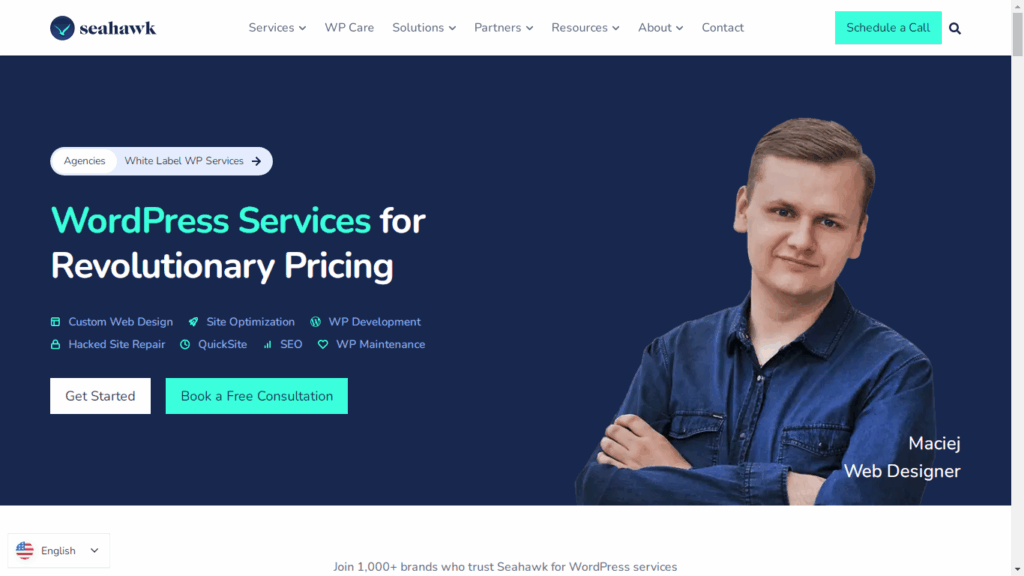
Seahawk Media: A WordPress maintenance company that provides comprehensive services, including updates, security monitoring, backups, and performance optimization.
Pros
- Comprehensive maintenance service with speed and performance optimization, backups, and security cleanup
- 24/7 support and emergency response
- Malware removal at no extra charge
- Good services for WooCommerce and SEO
Cons
- Security restoration sessions may take time
- Security and core updates are usually performed weekly
- The wide range of tools and services may overwhelm beginners
- Advanced services can be costly
- Seahawk Media: $49/month
- SeaCare Pro: $999/year, includes a 30-day free trial
DIY or Outsourced WordPress Maintenance for Small Businesses
DIY WordPress Maintenance:
Handling WordPress maintenance yourself—or through someone on your team—can be a suitable option in certain situations. Here are the key cases where self-maintenance becomes a practical and effective choice.
When the site is small and has only a few pages: manual backups, regular theme and plugin updates, since the site is simple and doesn’t require complex management.
- When there’s no major business activity or sensitive transactions: enable basic security monitoring, such as tracking user logins and scanning the site with free tools like Wordfence or Sucuri.
When you have one person with basic technical knowledge: handle core WordPress updates, remove unnecessary plugins, and run a simple speed check using PageSpeed Insights.
When the site isn’t exposed to high traffic load: clean the database, optimize and compress images, and perform a monthly performance check without needing experts.
When the budget is extremely limited: rely on free solutions like UpdraftPlus for backups, a free security plugin, and schedule simple monthly maintenance tasks without external support.
Outsourced WordPress Maintenance:
Small businesses turn to external maintenance services in certain situations, especially when a site is sensitive and requires continuous monitoring, or when technical expertise is not available within the team.
When the site contains sensitive data or financial transactions: this includes advanced security monitoring, protection against hacks, continuous malware scanning, and immediate support if any issues arise.
When the internal team lacks technical expertise: safely updating WordPress, plugins, and themes, handling conflicts and technical issues, and ensuring site stability without requiring specialized skills in-house.
When the site is complex or includes critical functionality: managing full backups, continuous performance monitoring, speed optimization, and ensuring all business functions—such as payment gateways or registration forms—operate reliably.
When downtime is costly for the company: providing 24/7 rapid response, immediate site restoration, and minimizing downtime to protect customers and maintain trust.
When you want to free up your team to focus on core business: handling all routine maintenance tasks such as backups, security, and regular optimizations, allowing your internal team to concentrate on marketing, sales, and customer service.
Practical Tips for Small Businesses to Keep Their WordPress Site Healthy
For small businesses, implementing WordPress Maintenance Services is essential to keep your site secure, fast, and trusted by Google. Here are some practical tips to maintain your WordPress site effectively:
- Allocate a small maintenance budget: One of the biggest challenges for startups is limited funding, but it’s crucial to set aside even a small budget to cover system updates, backups, and security. As we’ve mentioned earlier, we’ve outlined the best WordPress maintenance companies for small businesses—choose the one that suits you best.
Schedule weekly backups: Protect your site from unexpected data loss.
Regular performance monitoring: Keep an eye on site speed and leverage measurement tools like Google PageSpeed.
Rely only on trusted plugins: Don’t trust just any plugin. Choose reliable ones, read genuine reviews, monitor the number of active installs, and ideally test them in a staging environment before using them on your live site.
Test your site after every update: After updating WordPress or any plugin, check that your pages and payment links (if any) are working properly.
Smart monitoring and instant alerts: It’s essential to use tools that send immediate notifications when issues occur, such as Jetpack or ManageWP.
Conclusion: WordPress Maintenance Services
WordPress maintenance isn’t just a routine task—it’s a fundamental requirement for the health, security, and continuity of any small business website. Through regular WordPress Maintenance Services, you can keep the core system, plugins, and themes updated, perform consistent backups, monitor security, and optimize overall performance.
Choosing between self-maintenance and outsourcing depends on your company’s capabilities and needs, but following a structured maintenance plan significantly reduces technical risks and supports digital growth. Selecting reliable maintenance tools and monitoring performance regularly strengthens site stability and helps small businesses stay competitive in the digital market.