
Most small businesses, as they start to grow, begin to feel the pressure of managing appointments. It’s not overwhelming at first, but soon becomes too much for a small business to handle on its own. This is where scheduling software for small businesses becomes essential, helping prevent issues such as double bookings, missed appointments, and wasted time for both staff and clients.
This is exactly where Trafft steps in as a SaaS solution. It actively manages scheduling in a way that keeps clients happy and supports growth.
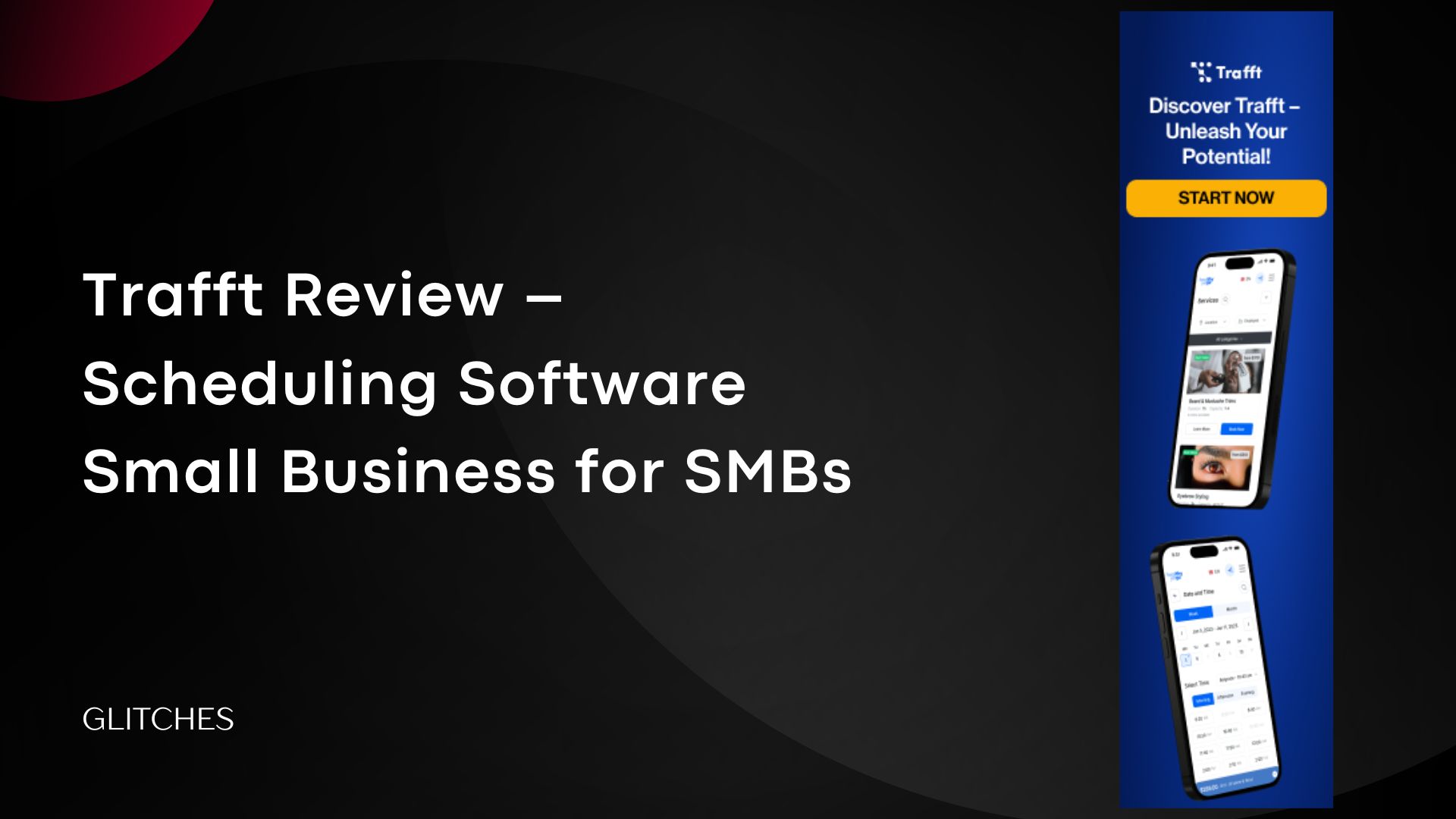
Trafft is an online booking and scheduling software designed to help service-based small businesses. It allows clients to book appointments themselves, while giving companies the tools to manage their team, services, and notifications—all from one place.
In this review, we’ll tell you everything about the Trafft tool—its features, drawbacks, and whether it’s the right fit for you.
Why Small Businesses Need Scheduling
Any company that is still relying on manual scheduling, notebooks, or phone calls should transition to an electronic scheduling system. Otherwise, sticking to traditional methods often harms the business through lost clients, missed appointments, or double bookings—none of which benefit the company.
Therefore, implementing smart SaaS booking tools is essential for any small or medium-sized business that wants to improve its operations. These tools automate appointments, reduce human errors, and ensure a smooth and reliable experience.
As a result, companies that have adopted smart scheduling solutions have seen significant improvements: fewer missed appointments, better time management, and increased client retention.
How Trafft Works?
Trafft is designed to simplify the entire booking process for both businesses and clients.
User-friendly booking interface: The tool provides a ready-made hosted booking page (mobile-friendly), an embed widget, and a WordPress plugin.
The interface follows clear steps: Select service → Employee/Location → Date & Time → Payment (optional) → Confirmation.Designs can be customized, including colors and text.
Automated workflow: Once a client books:
- The booking is created in the system. Automated reminders, cancellations, WhatsApp confirmations, SMS notifications, or email alerts are sent.
- The schedule updates instantly: the new booking appears on the admin page and blocks that time slot from other bookings. Notifications can be linked to appointments before or after the booking.
Integration with payment tools and calendars:
- Calendars: Two-way sync with Google Calendar, Outlook, and even Apple Calendar. The booking automatically appears in the staff member’s calendar, and any conflicts are prevented.
- Payments: Supports Stripe, PayPal, Square, Mollie, Authorize.Net, with options for deposits or payment links later.
Pros & Cons
Pros
- Broad integrations + public API in 2025.
- Free plan and competitive pricing.
- Staff management: shifts, permissions, commissions.
- Resource management (rooms, equipment) with double-booking prevention.
- Multi-channel notifications: Email + SMS + WhatsApp.
Cons
- Not all payment gateways are supported in some countries.
- Reliance on an external provider for the DPA.
We highlighted Trafft’s key pros and cons, showing it as a practical and reliable tool for small and medium businesses.
Trafft Pricing Plans & Free Trial
1) Free Plan:
Designed for up to 5 users.
Includes:
Unlimited bookings.
Custom booking page embeddable on website or WordPress.
Sync with Google, Apple, and Outlook calendars.
Email and SMS notifications (up to 200 emails per month).
Mobile apps (Android & iOS).
Customer and appointment management.
Integration with Reserve with Google.
Multi-language support.
2) Starter Plan:
Designed for up to 10 users.
Price: $7.9 /mo
Includes all Free Plan features, plus:
Unlimited locations.
10 custom features.
5 SMS credits per month.
Employee and customer profiles.
Full payment gateway integration: Stripe, PayPal, Square, Authorize.Net, Mollie.
Custom invoice generation.
Zoom integration.
Google Analytics reporting.
Integration with Mailchimp, Acumbamail, SendFox.
Payment and refund management.
3) Scaling Plan:
Designed for up to 15 users.
Price: $24.9 /mo
Includes all Starter Plan features, plus:
Unlimited custom features.
10 SMS credits per month.
Support for recurring bookings and additional resources.
Custom domain and removal of Trafft branding.
Custom roles and permissions.
Webhooks and Zapier integration.
SMTP & API support.
WhatsApp integration.
Enterprise Plan:
For large organizations (more than 50 users).
Price: based on custom requirements.
Includes all Scaling Plan features, plus:
Dedicated servers or individual hosting.
Dedicated account manager.
Support for migration and system training.
Free Trial and Cancellation
Trafft offers a permanent free plan to try the system for up to 5 users.
Subscription can be canceled at any time without extra fees.
Trafft provides a 30-day money-back guarantee on paid plans.
Conclusion: Is Trafft the Right Scheduling Software for Small Businesses?
After reviewing the tool and exploring all its features—from appointment and booking management, automatic notifications, and staff management to booking page customization—you can determine whether it’s the right fit for your company.
If you’re looking for a scheduling software for small businesses that combines booking, payments, and team management in a single tool, Trafft is a strong option worth trying today.
Start scheduling effortlessly with Trafft